About eprotokol
How will it help you?
Features
Articles
AI video guides
Pricing
FAQs
Login

eprotokol
Save time and streamline your processes
Try it free now
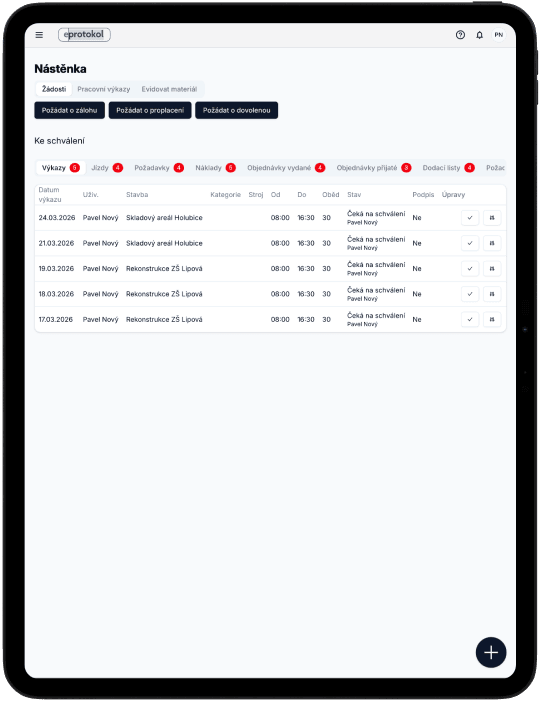
eProtokol na iPad
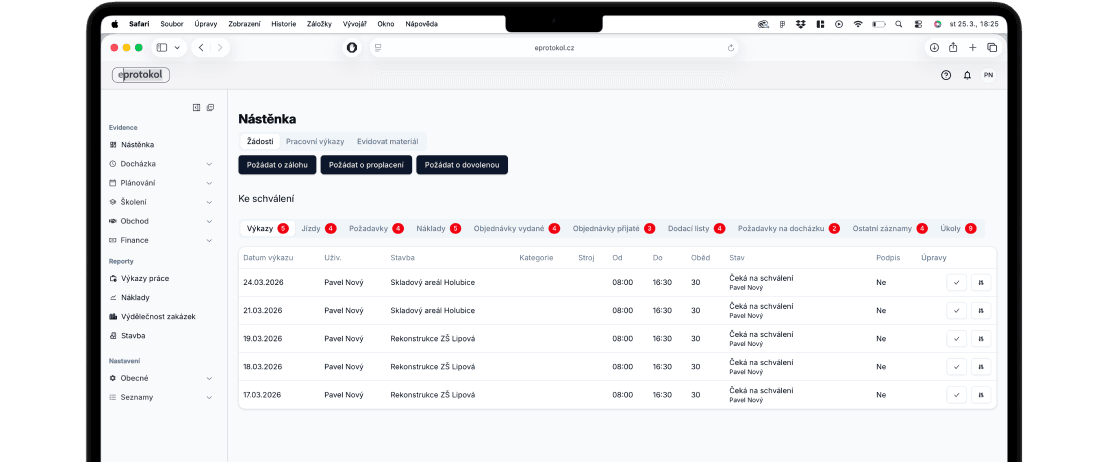
eProtokol na MacBook Pro
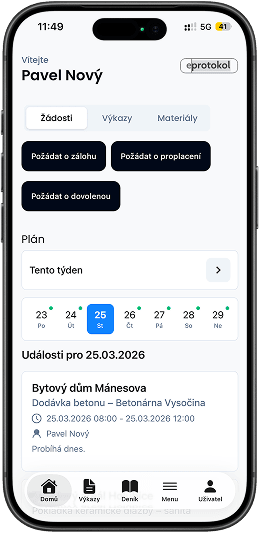
eProtokol na iPhone
what is eprotokol?
eProtokol helps you efficiently manage employee work and track project costs in detail. Our goal is to create a clear system that digitizes key internal processes in small and medium-sized companies in construction and trades. This saves you time and gives you perfect overview of your company – everything at your fingertips.
Try it free now
how will it help you?
1
track project costs
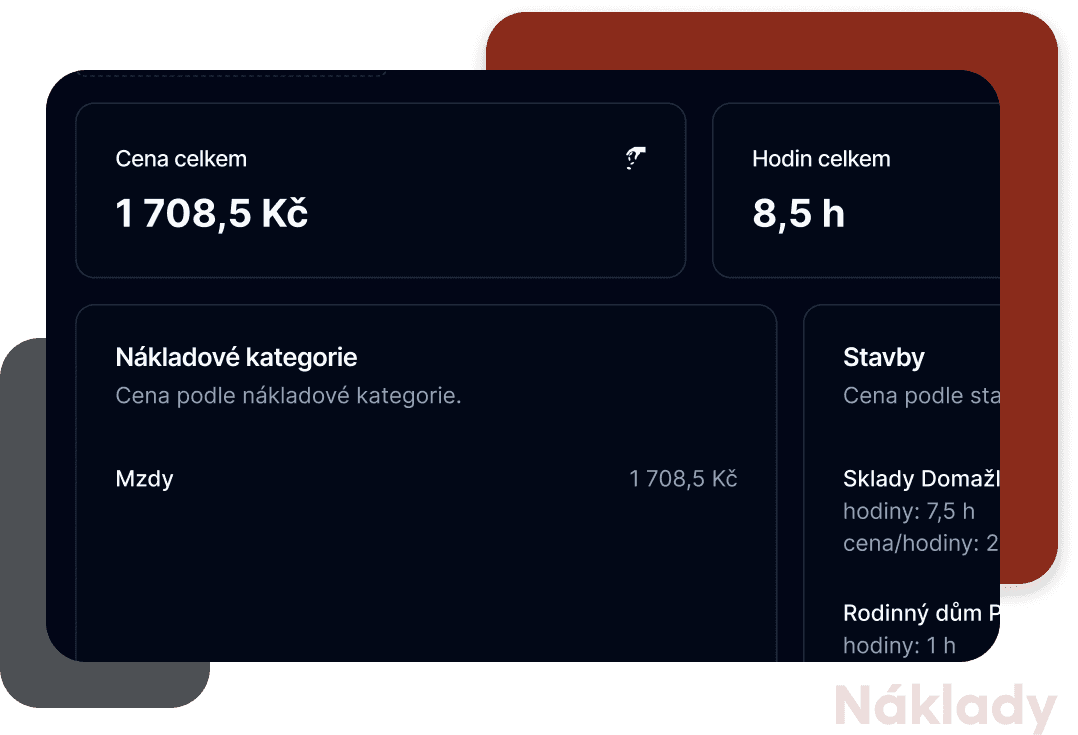
Keep track of where your finances are going. By monitoring cashflow, you can easily determine whether your projects are profitable.
2
plan efficiently
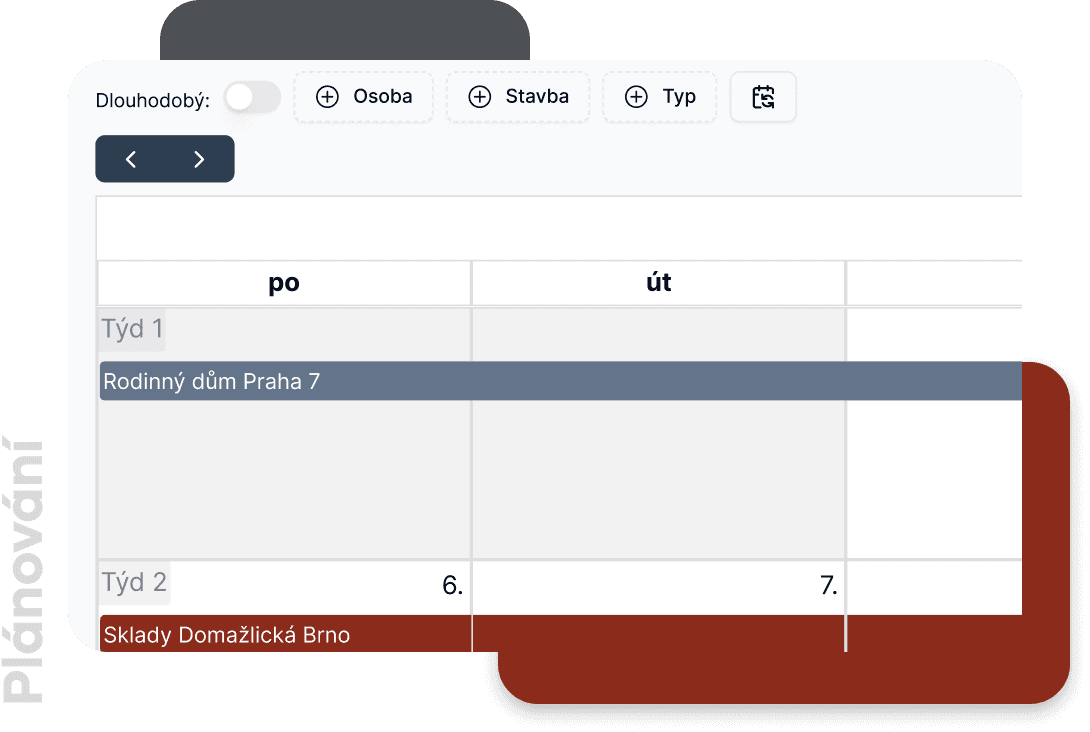
Assign tasks to employees in an intuitive calendar so they always know what's ahead.
3
simplify communication and save time
Assign tasks directly to the dashboard, allow employees to request reimbursement for receipts or wage advances.
main features
Dashboard
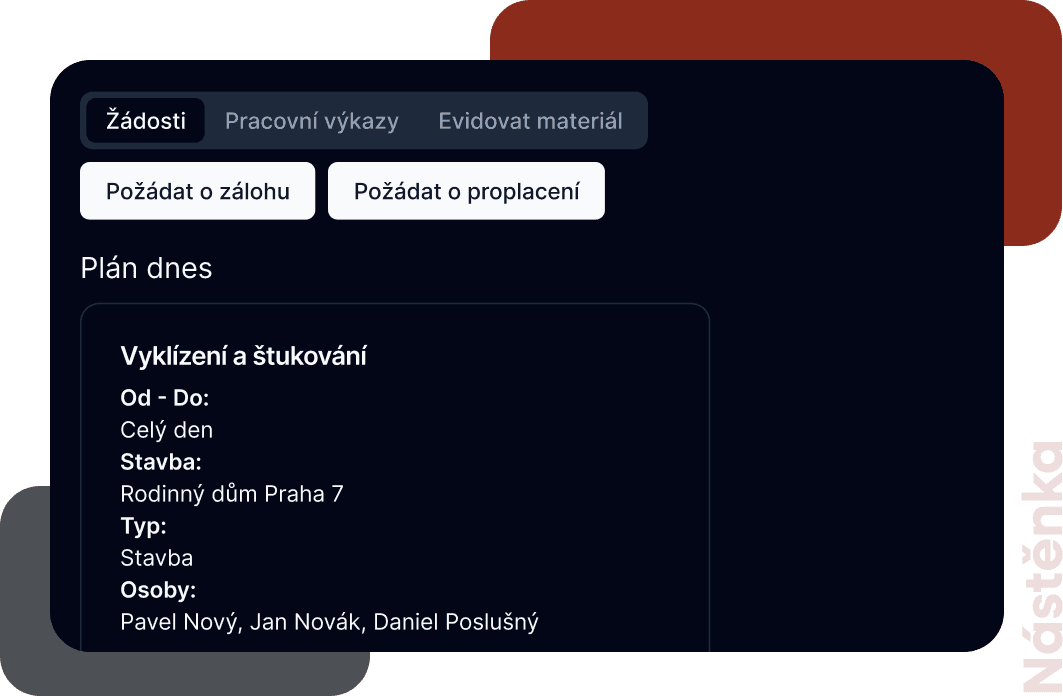
The dashboard serves as a central place for sharing information and tasks between employees. It enables quick communication and an overview of the current project status.
Attendance tracking
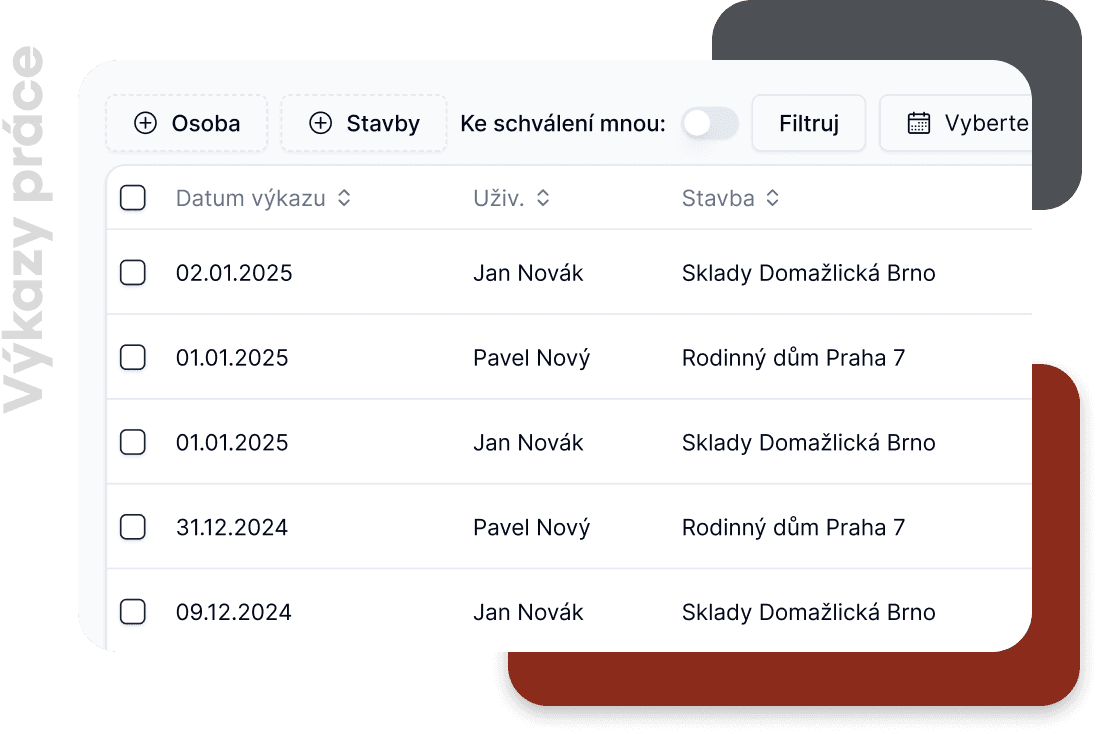
Employees can report hours worked on specific projects themselves. Thanks to the approval process, records are automatically counted towards costs. Real-time machine hour tracking via Patriot service or manual logging.
Cost reporting
Get a detailed overview of costs for individual projects – including fixed and variable costs and detailed cost categories.
Work and task planning
Break down work into specific tasks – every employee will see them on their dashboard.
Requests
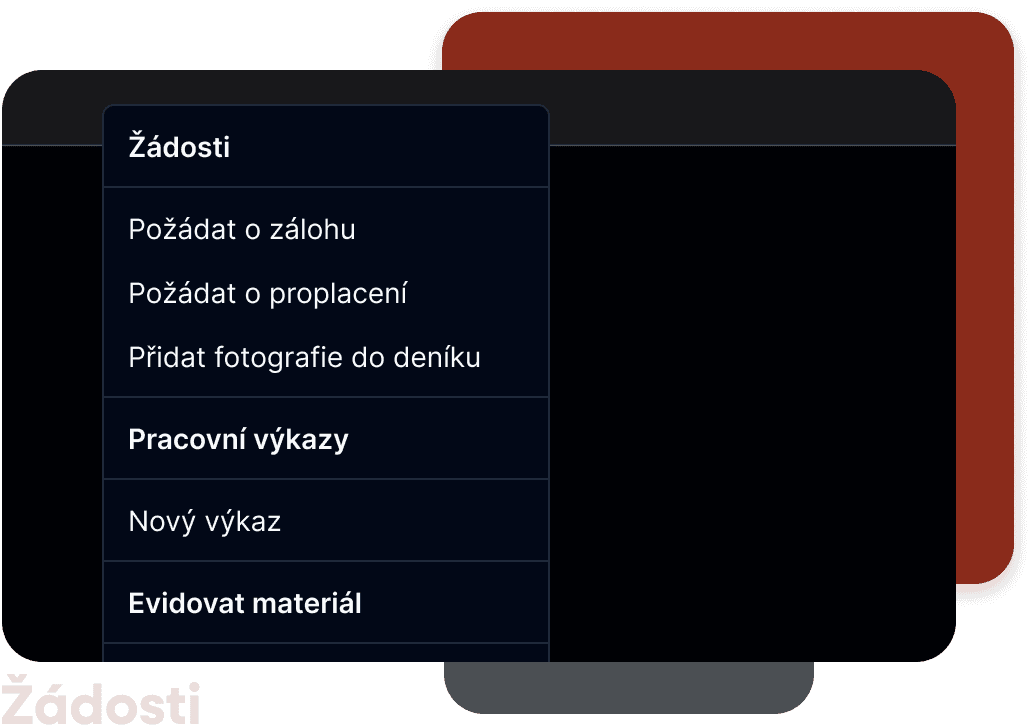
Employees can easily request reimbursement for receipts or wage advances. All requests are clearly recorded and approved by supervisors.
Construction diary
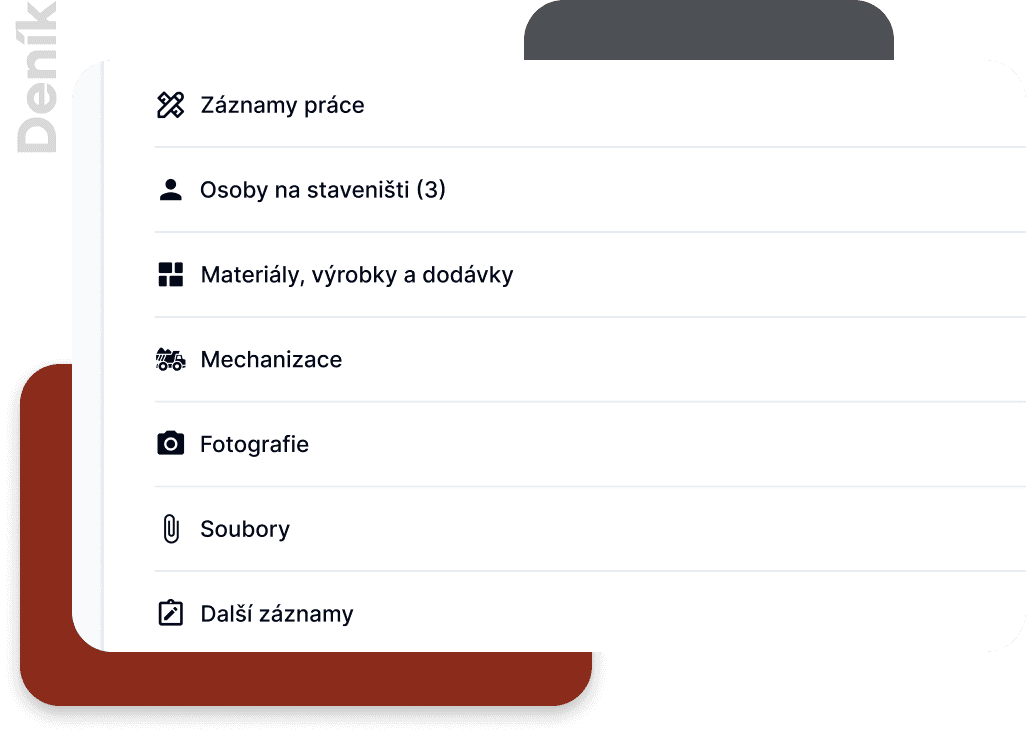
Record all activities on the construction site and add photos directly to the digital construction diary. After work is completed, you can generate a PDF with all records, making archiving and review easier. AI can automatically generate descriptions and summaries.
New

AI recognition of receipts and invoices

Forget about manual invoice transcription! Our artificial intelligence automatically reads receipts and invoices without the need for ISDOC format. Just upload a photo or PDF and the system creates a complete document including proper classification.


no ISDOC
No special format needed - works with regular photos and PDF files
automatic classification
The system automatically creates a document and properly classifies it by expense type
fast analysis
Drag and drop a file or photograph a receipt - results in a few seconds
more features and benefits
AI receipt and invoice recognition
Forget about manual invoice transcription! Our artificial intelligence automatically reads receipts and invoices without the need for ISDOC format. Just upload a photo or PDF and the system creates a complete document including proper classification.
logbook
Electronic trip logging allows detailed tracking of company vehicle usage. Each trip can be assigned to a project, automatically record transportation costs, and provide an overview of fleet utilization.
received invoice tracking
Record invoices, classify them into cost categories, and link them to projects. Export to accounting software eliminates duplicate data entry. The payment matching module also updates cashflow status.
payroll generation
Approved work reports are automatically reflected in payroll documents. At the end of the month, payroll sheets can be closed in PDF – including wage advances and current employee accounts.
cashflow
Track the flow of finances based on regular expenses, received invoices, and expected income.
employee onboarding
New employees fill in their details online, upload documents, and electronically sign the contract. The employer digitally approves the contract and the employee can start working immediately.
orders
Create an order directly in the system, sign it, and send it to the supplier. After electronic signature, the order is automatically sent to both parties via email.
mobile app for employees
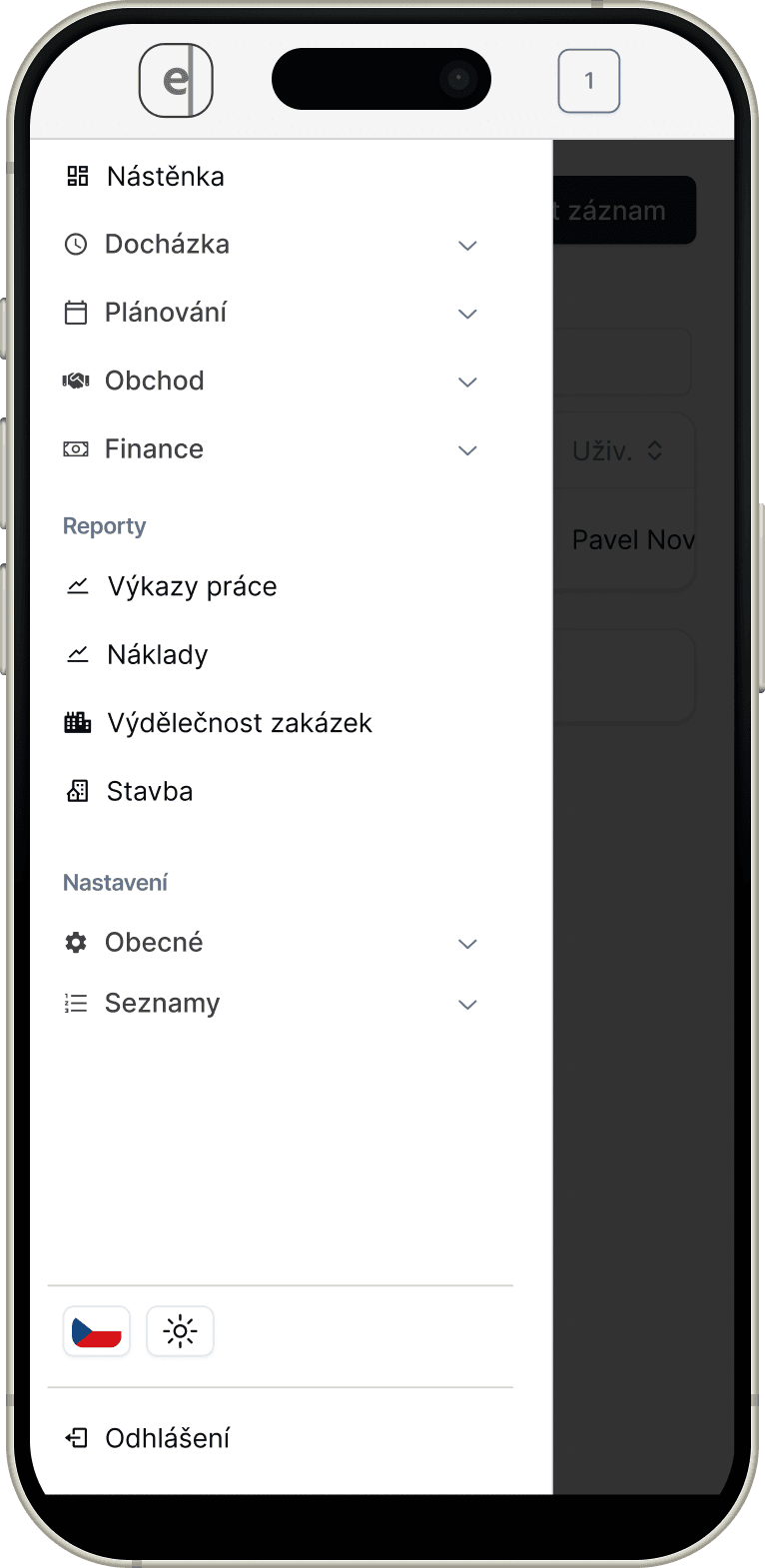
An intuitive mobile app allows easy work reporting and work schedule overview – the web version is fully optimized for mobile devices.
company chat with end-to-end encryption
Communicate with your team directly in the app – on the web and in the mobile app. All messages, photos, and files are fully end-to-end encrypted, so no one except conversation participants can access them. Supports group conversations, voice messages, and file sharing.
your data is secure
Two-Factor Authentication
We protect your account with two-factor authentication (2FA). In addition to your password, you enter a one-time code during login, significantly reducing the risk of unauthorized access.
Face ID & Touch ID
In our mobile app, you can log in conveniently and securely using Face ID or Touch ID. Biometric authentication ensures fast access without compromising security.
Regular Server Backups
Your data is regularly backed up on secured servers. With automatic backups, you can be sure your data is protected against loss and recoverable at any time.
frequently asked questions?
How much does using the app cost?
Paid versions of the app can be tried for 14 days free, or we offer a free construction diary. Prices are listed in the Pricing section.
How does implementation work?
Just select a plan with the modules you need and register. You will immediately get access to the application.
Can the app be used on mobile devices?
Yes, eProtokol is fully optimized for mobile devices, and you can also use iOS and Android apps.
Where is data stored?
Data is securely stored in the cloud. We use encryption and regular backups to ensure its protection.
Can it be integrated with accounting software?
Yes, eProtokol allows data export to the Pohoda accounting system. We support formats like isDoc for easy integration.
I have an idea for a feature, can I send it?
Absolutely! Your ideas and suggestions are very valuable to us. You can send them to us via email, we will consider them and possibly include them in the development plan.
Where can I find the user manual?
User documentation is available online at:
eProtokol Documentation
mobile app
eProtokol also offers a mobile app, allowing you to conveniently use the system on your phone
Stáhnout z Google Play
Stáhnout z App Store
eprotokol
Contact Us
Cloud IS, s.r.o.
Sadová 1646
560 02 Česká Třebová
IČO: 21883912
I agree to the processing of personal data